If you spend any time watching YouTube or reading tech blogs, you've probably heard a podcast host claim that you are one click away from identity theft. The pitch is almost always the same. Connect to airport Wi-Fi without a virtual private network, and someone will steal your bank password.
A study presented to congressional lawmakers revealed that three out of four leading consumer VPNs leaned on deceptive or exaggerated marketing.¹ You are told you will become completely invisible online.
A VPN is a specific networking tool designed for specific privacy tasks. It is not an invisibility cloak, and it won't magically protect you from every danger lurking on the web.
So what does a VPN actually do, and do you really need to pay for one in 2026? Let's cut through the sales talk and look at how it works.
What Actually Happens When You Turn It On?
At its core, a virtual private network creates an encrypted tunnel between your device and a remote server operated by the VPN company.
Think of regular internet browsing like sending a postcard through the mail. Anyone handling the card, such as your internet service provider or your office network administrator, can see the address on the front and read the message on the back.
When you turn on a VPN, it's like sliding that postcard into a steel lockbox. You mail the box directly to the VPN company. Then, they open it, and they deliver the postcard for you.
This simple shift changes two main things:
• Your IP address changes: The websites you visit see the location and IP address of the VPN server instead of your real home connection.
• Your local traffic stays scrambled: Your internet service provider can only see that you are sending encrypted data to a single server. They cannot see which websites you visit or what you do there.
This setup prevents your home broadband provider from collecting and selling your daily browsing history to advertising brokers. But it does not make you a ghost.
A VPN hides your physical location, but it doesn't stop ad trackers from using browser fingerprinting. The moment you log into your Google, Amazon, or bank account, that site knows exactly who you are.
A VPN also cannot save you if you fall for a fake login link or download an infected file. It simply passes those bad files through the encrypted pipe straight to your hard drive.
Even the tunnel itself has limits. Security researchers recently uncovered vulnerabilities like TunnelVision (CVE-2024-3661), which proved that bad actors on a shared network could manipulate routing tables to push user traffic outside the encrypted VPN tunnel entirely.²
The Real-World Use Case and Public Wi-Fi Security
You have probably been warned about the dangers of using laptop Wi-Fi at your local coffee shop. Years ago, that warning made sense. In the early days of the web, casual eavesdroppers could run simple tools to harvest passwords and session cookies floating through open air.
Today, the internet is much different. More than 95 percent of global web traffic uses modern HTTPS encryption.
When you connect to an HTTPS website, your browser and the website establish their own direct encryption. An attacker sitting at the next cafe table sniffing wireless packets won't see your credit card or passwords. They only see garbled cryptographic data.
Does that mean public networks carry zero risk? Not quite. Without a VPN, public Wi-Fi still exposes a few loose ends:
• Domain metadata: Anyone monitoring the router can still see the names of the websites you visit, even if they cannot see what you do on them.
• DNS spoofing: A malicious Wi-Fi hotspot can redirect your requests away from real sites toward fake, cloned login screens.
• Local device probing: Open networks leave your laptop open to scanning if you accidentally set your operating system network profile to "Private" instead of "Public."
A VPN wraps that extra layer of defense around your connection, shutting down local snooping and DNS hijacks. It's a handy safety belt on untrusted networks, but HTTPS already handles the heaviest lifting.
Free vs. Paid VPN: You Get What You Pay For
Running a fleet of high-speed servers across dozens of countries costs serious money. When a company gives that service away for free, you have to ask yourself how they pay their bills.
In most cases, you pay with your personal data.
A complete investigation into top free Android VPNs found that 88 percent suffered from data leaks, and 71 percent shared user tracking telemetry with third-party advertisers.³ Nearly one in ten had zero working encryption at all.
Worse, some free VPNs secretly turn your computer into a digital relay station. Federal law enforcement dismantled a massive residential botnet known as 911 S5. The operators infected millions of computers by hiding proxy software inside popular free VPN downloads, using regular home internet connections to route criminal traffic.
If you decide you need a VPN, a paid subscription is the only sensible choice. Quality providers generally run on strict privacy practices:
• Audited zero-log policies: Reputable brands hire independent accounting firms to verify that they do not record user activity or connection timestamps.
• RAM-only servers: Top companies use diskless servers that wipe all data from memory every time the machine restarts.
• Transparent business models: You pay a clear monthly fee, usually between $4 and $10, which means the company has no financial incentive to sell your browsing habits.
When Is It Actually Worth Paying For?
A VPN isn't a needed utility for every single person. Plenty of people can easily skip the subscription and spend that money elsewhere.
You should consider paying for a VPN if you fit into these specific categories:
• You stream media across borders - A VPN lets you switch your virtual location to watch sports blackouts or access video catalogs restricted to other countries.
• You share files on peer-to-peer networks - When downloading via BitTorrent, your IP address is visible to everyone else in the swarm. A VPN masks your home connection from strangers.
• You want to block ISP profiling - If you live in an area where internet providers can legally package your web history for advertisers, a VPN keeps those private details locked away.
• You travel internationally - If you visit countries that block news platforms, social media, or basic messaging apps, an encrypted VPN tunnel lets you route around censorship firewalls.
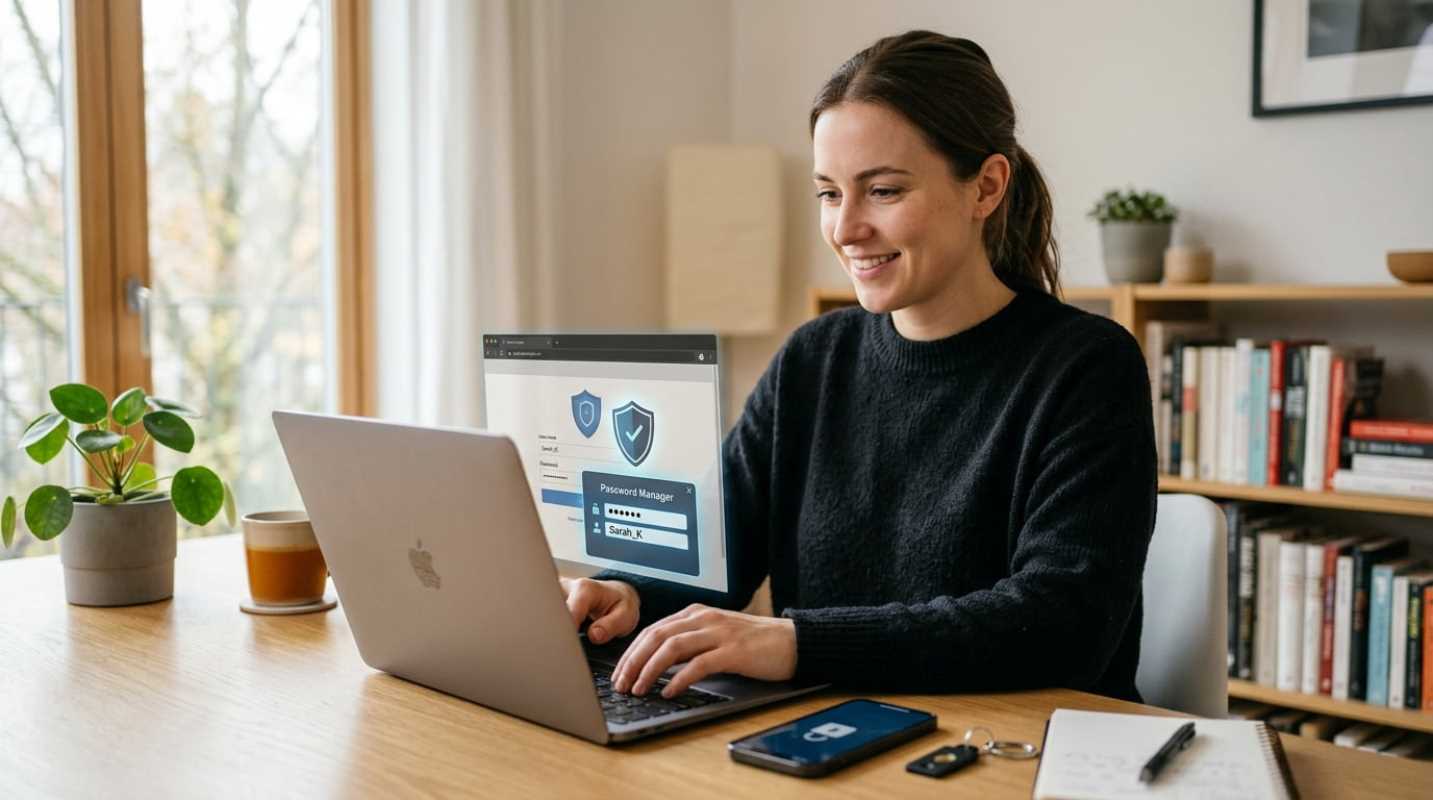
If none of those scenarios apply to you, you might not need one. If you mostly browse the web at home, check your bank balance, and shop on regular retail sites, your browser's built-in HTTPS, a good password manager, and two-factor authentication will do far more for your security than any VPN ever could.
Making an Informed Decision
Buying cybersecurity software should never come down to fear. The marketing campaigns that tell you a VPN is mandatory for everyday digital survival simply don't match technical reality.
A good VPN is an excellent tool for location spoofing, defeating censorship, and keeping your internet provider's nose out of your business. But it won't stop malware, it won't prevent phishing scams, and it won't make you anonymous if you log into your personal accounts.
Look at your own habits. If you need to mask your IP address, bypass geographic blocks, or secure your laptop during constant travel, a reputable paid provider is well worth the cash.
If you just want to browse the web safely from your couch, keep your software updated, use unique passwords, and save your money.
Sources:
1. US Lawmakers Push FTC to Crack Down on VPNs That Use Deceptive Practices
https://www.pcmag.com/news/us-lawmakers-push-ftc-to-crack-down-on-vpns-that-use-deceptive-practices
2. CVE-2024-3661 Detail
https://nvd.nist.gov/vuln/detail/cve-2024-3661
3. Free VPN Investigations
https://www.top10vpn.com/research/free-vpn-investigations/