Have you ever stopped to wonder how much of your private life is floating around the internet right now? Between retail databases, social platforms, and routine digital paperwork, the answer is usually unsettling. Most cybersecurity analysts operate on a simple assumption: your baseline data, including your email and Social Security number, has already leaked in a corporate breach.
The numbers back this up. The Identity Theft Resource Center tracked more than 3,150 data breaches that triggered over 1.7 billion compromise notices in a single year.¹ Cybercrime losses reported to the FBI have surged past $16 billion annually, driven heavily by phishing schemes and credential stuffing.²
Throwing your hands up in defeat is tempting. If the big corporations cannot safeguard records, how can an individual stand a chance?
The truth is that cybercriminals rarely target people who put up basic, sturdy roadblocks. Attackers look for easy targets, unlocked digital back doors, and automated windfalls. By taking a few proactive steps today, you can lock down your personal data and dramatically shrink your digital target profile.
Mastering Password Hygiene and Multi-Factor Authentication
Think of your passwords as the physical locks on your home. If you use the same key for your front door, your car, your office, and your safe, a single lost key ruins your entire life. That is exactly what happens when you reuse passwords across multiple services.
Modern password cracking software tests millions of common combinations in seconds. If you still use short passwords with clever substitutions like replacing an "E" with a "3," you are giving automated tools a free pass.
• Switch to passphrases: The National Institute of Standards and Technology recommends long passphrases instead of complex short passwords. Combine four or five unrelated words into a string of 16 or more characters. A phrase like "walrus-jacket-coffee-planet" is easy for you to remember and practically impossible for a computer to guess.
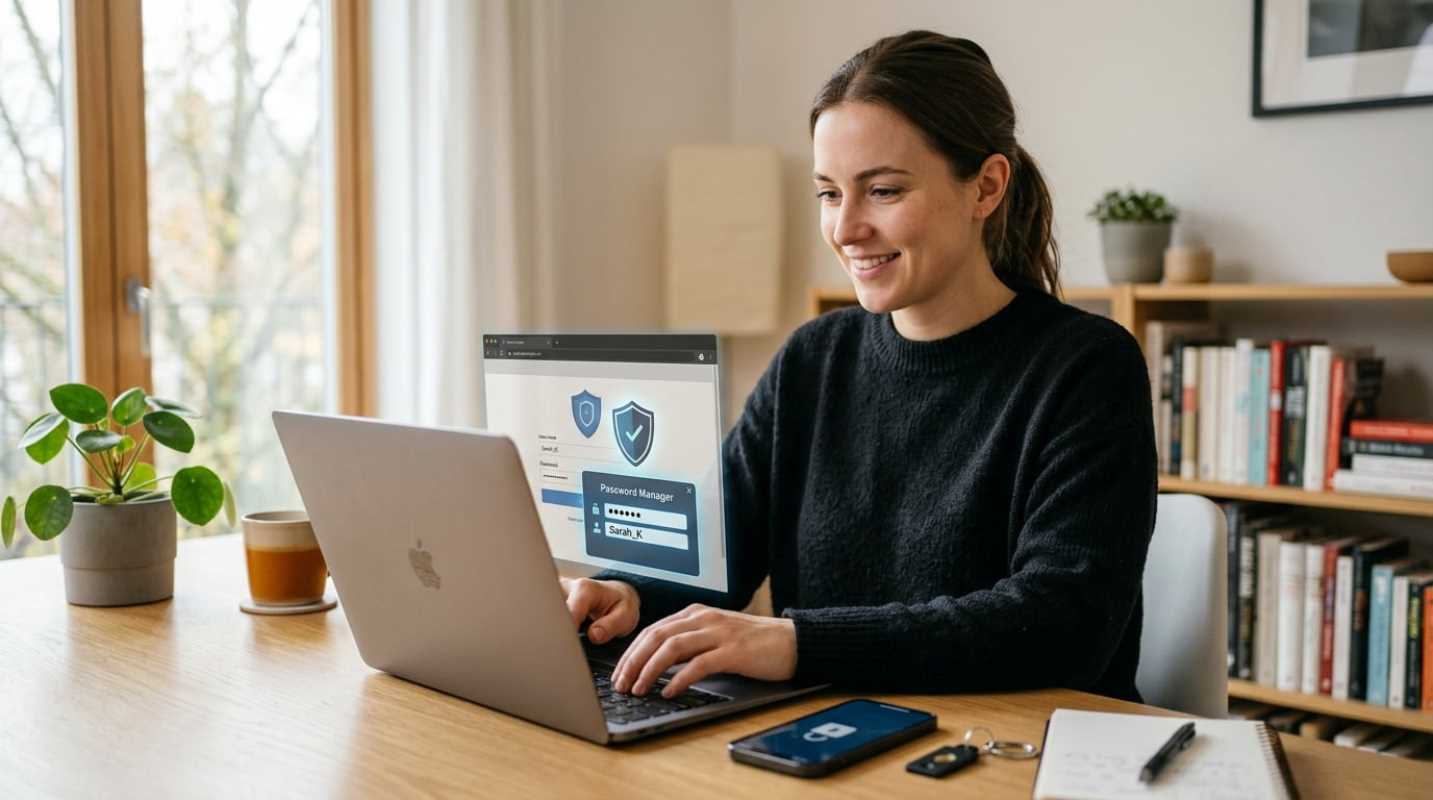
• Adopt a password manager: Nobody can remember dozens of unique, 20-character strings. A reputable password manager creates, stores, and fills distinct credentials across all your devices, meaning you only need to memorize one master passphrase.
• Upgrade to passkeys: Passkeys use cryptographic keys stored locally on your device rather than a shared secret sitting on a corporate server. Because passkeys only work on the exact web domain they belong to, fake phishing sites cannot steal them.
• Stop using SMS for verification: Text message verification codes are vulnerable to SIM swapping, where scammers trick your mobile provider into assigning your phone number to their SIM card. Switch to an authenticator app or a hardware security key like a YubiKey for your important accounts.
Navigating Social Media and Oversharing Risks
Social media is a goldmine for scammers. Hackers do not need sophisticated exploits when victims willingly publish the answers to their security questions.
Have you seen those viral questionnaires asking for your first pet's name, your mother's maiden name, or the street you grew up on? Those are not innocent icebreakers. They are crowdsourced security-question harvesters.
Social engineering has become far more convincing thanks to generative artificial intelligence. Scammers can clone a relative's voice using just three seconds of audio extracted from a public video clip. A frantic phone call claiming your family member is stranded or arrested might sound identical to them, right down to their vocal cadence.
Combat these schemes by adjusting your privacy settings so only verified connections can view your updates. Avoid posting real-time travel locations, which broadcast that your home is empty. Most importantly, establish an offline family safe word. If anyone calls claiming an emergency and demands money or sensitive codes, require the secret word before taking any action.
Securing Your Connections and Devices
Protecting your accounts is half the battle; you also need to protect the hardware and connections you use every day.
Public Wi-Fi networks in airports, hotels, and coffee shops are notorious for data snooping. Anyone sharing the network can potentially monitor unencrypted traffic or set up a duplicate hotspot with a matching name. A virtual private network (VPN) routes your connection through an encrypted tunnel, shielding your activity from curious eyes on the local network.
Your devices also need regular maintenance
• Enable automatic operating system updates: Security patches fix software vulnerabilities that malicious actors exploit in the wild. Delaying an update leaves a known entryway open.
• Turn on anti-theft protections: Modern mobile operating systems feature built-in protections against device snatching. Apple offers Stolen Device Protection, which requires biometric verification to change account settings, while Android provides AI-driven motion sensors that automatically lock the screen during a sudden grab.
• Configure encrypted DNS: Setting your devices to use an encrypted DNS provider blocks internet service providers and local network snoopers from logging the website addresses you visit.
• Recognize urgent phishing hooks: Be skeptical of unsolicited messages that create artificial urgency. Banks and shipping carriers will not demand your full credentials or payment details through an unprompted text message.
Managing Your Digital Footprint and Future-Proofing
Securing your immediate logins is needed, but what about the decades of personal records scattered across data brokers? Data aggregators compile dossiers containing your home address, phone numbers, voting records, and family associations, which they sell to marketing firms and scammers alike.
Start by freezing your credit files. Investigative cybersecurity reporter Brian Krebs points out that freezing your credit is free under federal law and serves as the single most effective tool against new account fraud.³ A freeze stops lenders from pulling your report, preventing thieves from opening loans, utility lines, or credit cards in your name. To lock everything down, freeze your files with the three main bureaus (Equifax, Experian, TransUnion) as well as Innovis, ChexSystems, and the National Consumer Telecom and Utilities Exchange.
Next, start cleaning up unnecessary data stores
• Audit old accounts: Search your inbox for sign-up confirmations and delete accounts you no longer use. Less stored data means less exposure during future breaches.
• Use email masking: Create unique email aliases for new shopping accounts through relay tools. If one store gets breached, you can delete that specific alias without altering your primary inbox.
• Request broker removals: Submit opt-out requests to major people-search directories to remove your address and contact details from search engine results.
Making Security an Ongoing Commitment
Protecting your information is an ongoing routine rather than a one-time project. Technology evolves quickly, and the approaches bad actors use will adapt alongside it.
You do not need to become a cybersecurity specialist to stay safe. Taking simple actions, like freezing your credit, turning on an authenticator app, and questioning sudden requests for money, puts you far ahead of the average internet user. Build these habits into your daily routine, and enjoy the peace of mind that comes with a secure digital life.
Sources:
1. 2024 ITRC Data Breach Report
https://pomerium.com/blog/2024-itrc-data-breach-report
2. IC3 Cybercrime Losses Report
https://anvilogic.com/threat-reports/ic3-cybercrime-losses-2024
3. Credit Freezes Are Free: Let the Ice Age Begin
https://krebsonsecurity.com/2018/09/credit-freezes-are-free-let-the-ice-age-begin/
*This article on Everyknown is for informational and educational purposes only. Readers are encouraged to consult qualified professionals and verify details with official sources before making decisions. This content does not constitute professional advice.*