How many online accounts do you own right now? If you are like most people, you probably guess somewhere around thirty or forty. In reality, modern internet users juggle between 100 and 300 different accounts across their work and personal lives.
Now ask yourself an honest question. How many unique passwords do you actually use for those accounts?
If you just winced, you are in good company. Almost everyone knows that using the same password everywhere is a terrible habit. Yet most people still do it anyway. Expecting your brain to memorize hundreds of distinct, randomized combinations of letters, numbers, and symbols is completely unrealistic. Human memory simply was not built for modern authentication security.
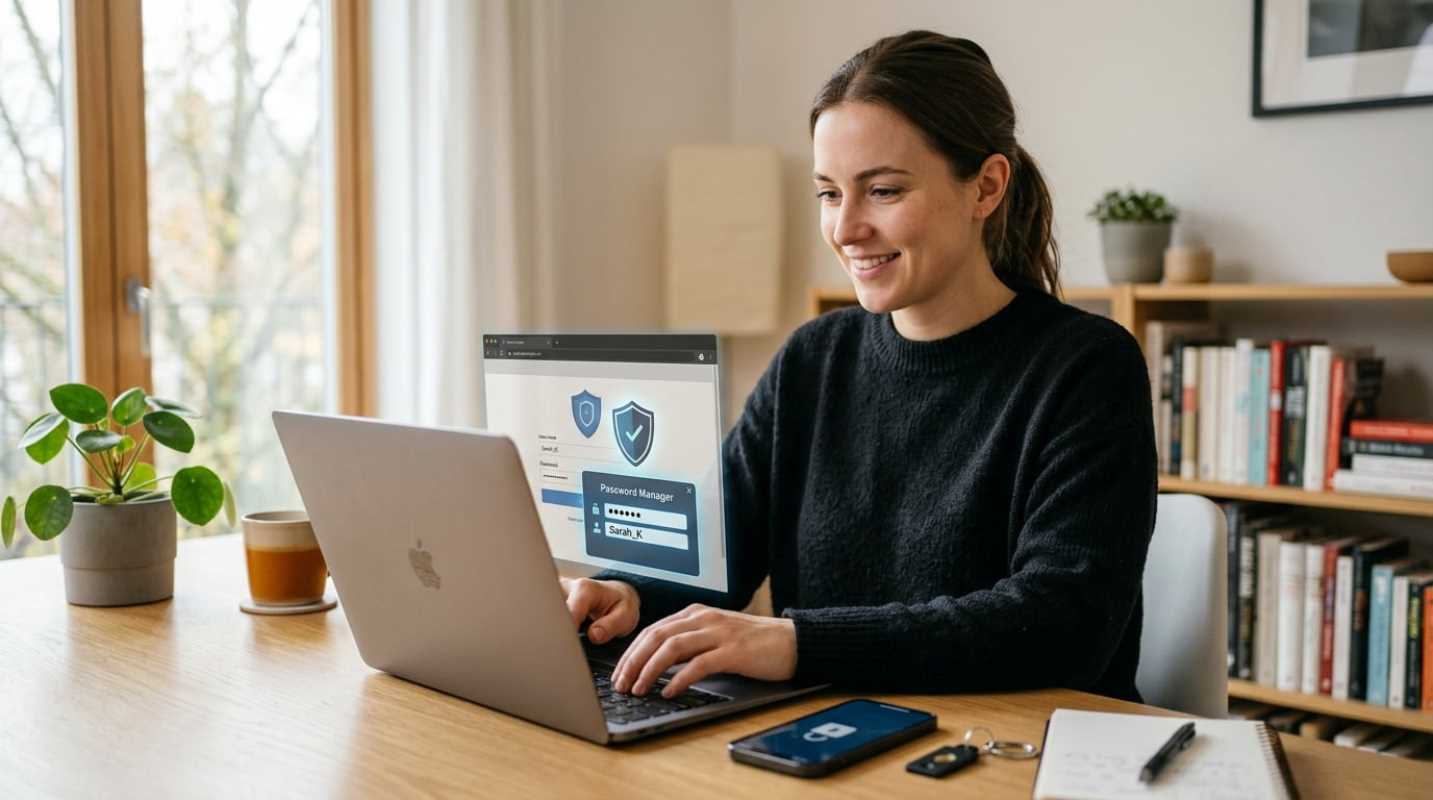
That is where a password manager comes in. Instead of forcing you to play mental gymnastics every time you sign in, a password manager acts like a secure digital safe for your entire identity. It handles the heavy lifting of security in the background so you can browse, shop, and work without constantly hitting the "Forgot Password" link.
The Password Problem and Why Your Current Approach Fails
Most people rely on one of three flawed approaches to survive the internet. You might reuse one or two familiar root words, tacking on different numbers or exclamation points depending on the site. You might write credentials down on sticky notes tucked under your keyboard. Or maybe you keep an unencrypted spreadsheet sitting on your desktop labeled "Logins."
Every single one of these habits leaves you exposed.
When you reuse credentials, you create a domino effect. If a small, obscure cooking forum you joined five years ago gets hacked, attackers immediately take your email and that leaked password and feed it into automated bots. Those bots try your login on PayPal, Amazon, Netflix, and your primary email account within minutes. SpyCloud found that between 70% and 74% of users exposed in data breaches reuse exposed passwords across their other active accounts.¹ That means a breach on a low-stakes website can easily compromise your main financial hub.
According to research from the Verizon Data Breach Investigations Report, stolen credentials remain the single leading action behind security incidents, driving the vast majority of web application attacks.² Today, data dumps containing billions of credentials circulate in criminal forums. Trying to outsmart automated credential stuffing tools with clever variations of your pet's name just does not work anymore.
Understanding the Password Manager Benefits
A password manager solves this crisis by changing how you interact with credentials. At its core, the tool stores your logins inside an encrypted digital vault. Instead of memorizing hundreds of complex strings, you only need to remember one single, strong master passphrase.
Once you set up a manager, the day-to-day benefits show up immediately
• Centralized control: All your usernames, passwords, credit card numbers, and secure notes live in one organized vault rather than scattered across sticky notes and browser prompts.
• Seamless autofill: When you visit a login screen, the manager recognizes the site and fills in your credentials with a single click or tap. You never have to type out long strings manually.
• Instant cross-device sync: Your vault updates across your phone, laptop, and tablet in real time. If you create an account on your laptop, you can log in on your phone two seconds later without missing a beat.
You save real time every day. No more password reset emails, no more lockout timers, and no more guessing which variation of your favorite password you used for your utility bill.
The Gold Standard for Secure Password Storage
A common objection people have is simple: Doesn't putting all your passwords into one place create a giant target? Isn't that just putting all your eggs in one basket?
It sounds intuitive, but the math says otherwise. Keeping all your passwords inside a hardened, military-grade safe is vastly safer than leaving 150 separate front doors unlocked across the web.
Trusted password managers operate on what security professionals call a zero-knowledge architecture. When you enter data into your vault, your device encrypts it locally before it ever touches the provider's cloud servers. The decryption key is derived directly from your master password.
Because the provider never holds your master password, they cannot see your data. Even if hackers breach the password manager company itself, all they get is scrambled, unreadable ciphertext. Without your master password, cracking that encryption would take modern computers millions of years.
Many people ask why they should pay for or install a dedicated manager when their web browser already offers to save passwords for free. Although browser saving is convenient, it carries real risks. If you use multiple browsers or switch between an iPhone and a Windows PC, your browser passwords remain trapped in silos.
More importantly, browsers are prime targets for infostealer malware, which specifically searches computer drives for unencrypted browser credential caches.³ Dedicated password managers isolate your credentials in an independently encrypted database that requires active authentication to unlock.
Protecting Online Accounts Beyond the Login
Modern password managers do much more than simply store your old credentials. They actively upgrade your defensive posture with built-in security features
• Randomized password generators: When you sign up for a new service, the manager automatically generates a 20-character string of gibberish. You never even have to read the password, let alone memorize it.
• Strict phishing defense: This is perhaps the most underrated feature of a dedicated manager. Phishing websites rely on visual trickery, such as swapping an "l" for a "1" in a web address. A human can easily be fooled, but your password manager only checks the exact web domain. If you land on a spoofed site, the manager refuses to autofill your information, instantly tipping you off that something is wrong.
• Breach monitoring alerts: Most top managers scan public breach databases. If a company you use suffers a leak, your manager flags the account and urges you to update your password before criminals exploit it.
• Secure sharing: If you share a streaming login or household utility account with a partner, sending plain text passwords over SMS or email is dangerous. Password managers let you share encrypted items directly between vaults.
Making the Switch and Getting Started Today
Moving to a password manager might feel daunting if you have years of accumulated digital clutter, but you do not need to fix everything in an afternoon. Getting started takes only a few straightforward steps
1. Pick a reputable, independent password manager that fits your devices and budget.
2. Create a memorable master passphrase using four or five unrelated words put together (like, "granite-velvet-pancake-orbit").
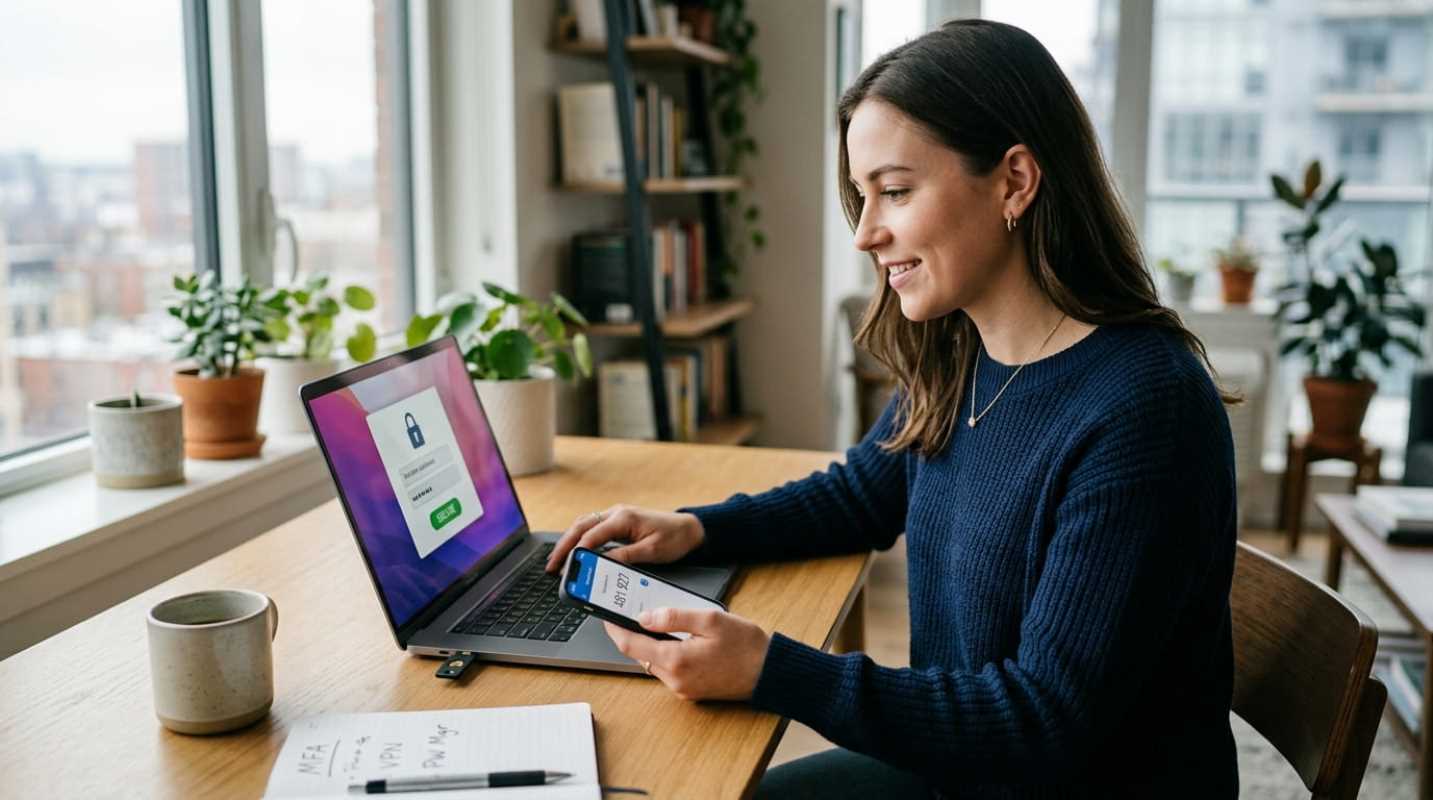
3. Turn on multi-factor authentication for your vault to make sure nobody can access it without your secondary device.
4. Install the mobile app and browser extension so the tool works everywhere you do.
5. Import the passwords already saved in your browsers.
From there, let your security improve organically. Whenever you log into an old account and your manager points out that your password is weak or reused, hit the reset button and let the generator create a fresh one. Within a couple of months, your entire digital footprint will be locked down tight.
Sources:
1. SpyCloud Annual Identity Exposure Report
https://spycloud.com/resource/report/spycloud-annual-identity-exposure-report-2024/
2. What the DBIR Tells Us About Cybersecurity Approach
https://verizon.com/business/resources/articles/s/what-the-2024-dbir-tells-us-about-enterprise-cybersecurity-approach/
3. The Dangers of Password Autofill and Stealer Logs
https://intercede.com/the-dangers-of-password-autofill-and-the-risk-of-stealer-logs/