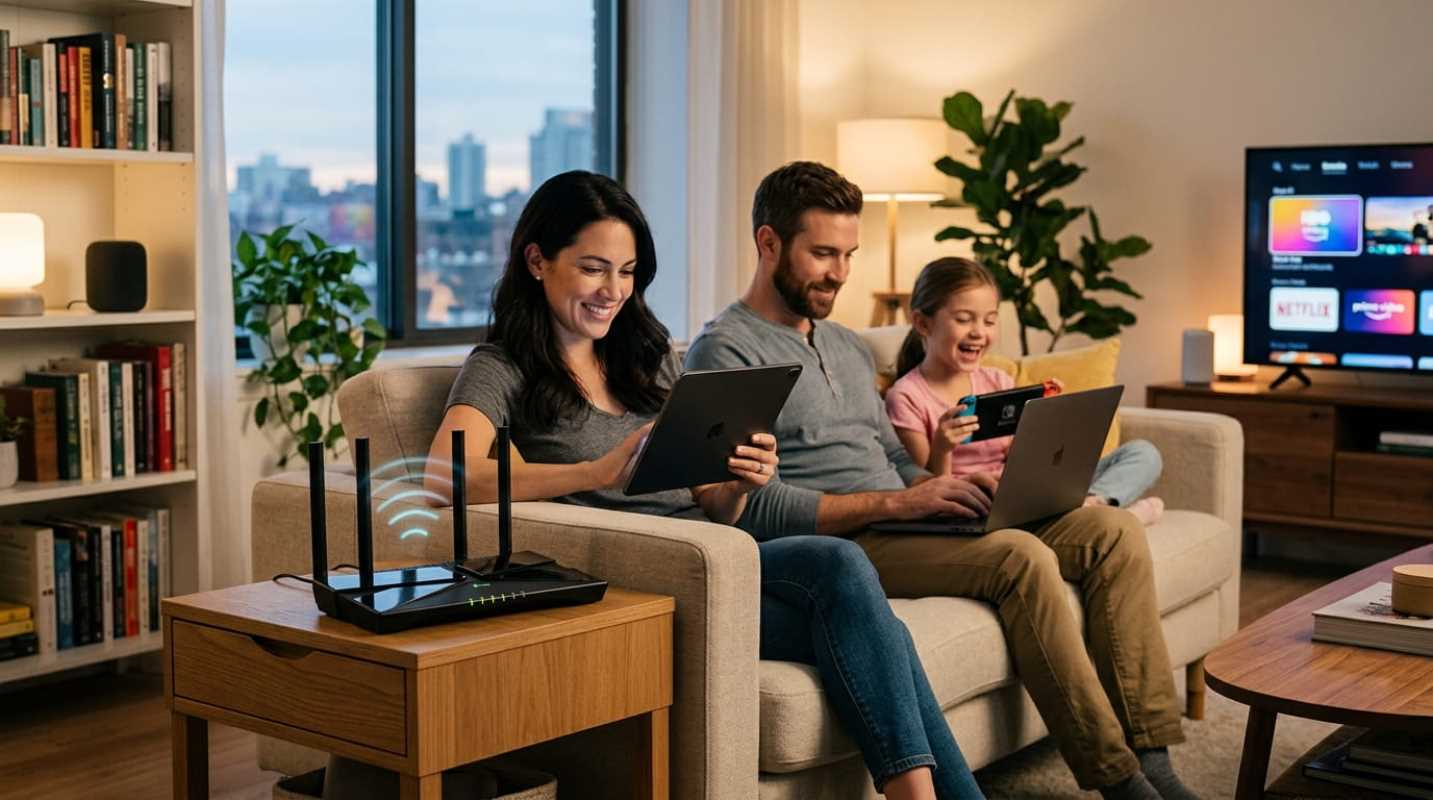
Remember running a bright blue 50-foot Ethernet cable across the living room carpet just to browse the web? If you used the internet in the early 2000s, you probably remember that awkward transition from the screeching sound of dial-up modems to the first generation of wireless routers. That early wireless access felt like magic, even if you had to stand three feet from the router to keep a signal.
Those days are long gone. Today, wireless connectivity is as invisible and expected as indoor plumbing. You walk through your front door, your phone connects instantly, your television pulls down high-definition video, and your thermostat quietly manages the room.
Yet the technology that powers this invisible web has changed dramatically over the last few years. We have moved far beyond the days of just checking email on a family desktop. Your home network is now the backbone of your daily life, powering remote work, online school, streaming entertainment, and dozens of automated gadgets.
The Evolution of Wi-Fi and a Brief History of Speed
To see how far we have come, look at how routers have evolved over the past decade. Back when Wi-Fi 4 arrived in 2009, it brought dual-band connections and speeds that seemed mind-blowing for the era. Wi-Fi 5 arrived a few years later, opening up the cleaner 5 GHz band to deliver the throughput needed for high-definition video streaming.
Then came Wi-Fi 6 and Wi-Fi 6E. These standards opened the 6 GHz spectrum and changed how routers handle multiple devices at the same time. Instead of only making peak speeds faster for a single laptop, the engineering shifted toward serving dozens of gadgets without dropping connections.
Now, Wi-Fi 7 has taken that concept to a completely new level. If you are still using a router from five or six years ago, it has likely become a massive bottleneck in your living space. You might be paying your internet provider for a fast gigabit connection, but an aging router will throttle that signal before it ever reaches your screen.
Why Faster Wireless Networks Are No Longer Optional
Have you ever had a video call freeze right when you were making an important point during a work meeting? Or watched a movie drop into pixelated mush because someone in the next room started downloading a game?
Faster wireless networks are no longer a luxury for tech enthusiasts. They are a daily requirement for busy households. Modern life creates continuous, competing demands for airtime
• High-bandwidth streaming: Modern 4K feeds require constant, uninterrupted streams of data that quickly overwhelm older equipment.
• Remote work platforms: Video conferencing applications require low latency and minimal packet loss to prevent robotic voices and frozen screens.
• Cloud gaming: Services like Xbox Cloud Gaming demand near-instant responses where even tiny spikes in lag ruin the experience.
Bandwidth means network capacity. When three or four people stream video, attend meetings, and play games at the exact same moment, your router needs the muscle to organize that traffic without delay. Faster wireless protocols dramatically cut down jitter and latency, keeping every stream smooth.
The Connected Home and Managing Your Ecosystem
The real pressure on your home network does not just come from laptops and TVs. It comes from the quiet explosion of smart home gadgets. Between smart light switches, doorbells, robot vacuums, and leak sensors, the average home now easily hosts dozens of connected devices.
Older routers buckle under this kind of device density. Most budget smart home gadgets rely exclusively on the crowded 2.4 GHz frequency band. When you pack 30 or 40 smart bulbs and sensors onto that narrow slice of airwaves alongside your microwave and Bluetooth gadgets, signals collide, and automations stall.
This is where modern mesh systems and Wi-Fi 7 make a massive difference. Wi-Fi 7 introduces Multi-Link Operation, known as MLO.¹ Instead of locking a gadget to a single band, MLO allows a compatible device to send and receive data across multiple frequency bands (2.4 GHz, 5 GHz, and 6 GHz) at the same time. If one channel faces interference, data instantly routes through another without skipping a beat.
You can take simple steps right now to keep your smart ecosystem running smoothly
• Create a dedicated IoT network: Most modern routers let you set up a separate 2.4 GHz guest or IoT network. Putting your smart bulbs and plugs on their own sub-network keeps them from clogging your primary work channels and adds an extra layer of digital security.
• Switch to a mesh setup: If your home is larger than 1,500 square feet or has thick walls, replace your single router with a multi-node mesh system to eliminate dead zones.
• Audit your connected devices: Periodically log into your router settings to remove old phones, retired tablets, and abandoned smart gadgets that are still polling for updates.
Upgrading your home network equipment can immediately transform your daily internet experience across every room.
Future-Proofing Your Living Space
Upgrading your home networking hardware is one of the smartest long-term home improvements you can make. The transition to Wi-Fi 7 has accelerated rapidly. Hardware vendors shipped roughly 233 million Wi-Fi 7 devices as the standard gained traction, with forecasts projecting over 2.1 billion active devices worldwide within the next few years.² Data from IDC showed that Wi-Fi 7 quickly claimed nearly 40% of enterprise wireless access-point revenue, setting the benchmark that residential gateway routers now follow.³
The best part about modern Wi-Fi 7 hardware is the indirect upgrade effect. You do not need to replace all your existing light bulbs or smart plugs with brand-new hardware to see the benefit. When you upgrade your router, modern laptops, phones, and streaming boxes automatically move to the clean 6 GHz band or use MLO. That clears out the crowded 2.4 GHz and 5 GHz bands, leaving your older smart home gadgets with clear airtime and responsive connections.
Wireless mesh backhaul has also taken a massive leap forward. If you live in a multi-story home without built-in Ethernet wiring, modern mesh nodes use high-capacity wireless links to communicate between rooms. This gives you wired-like stability anywhere in the house.
A dependable, high-capacity network is the foundation of a modern home. When your Wi-Fi works seamlessly behind the scenes, your work stays productive, your entertainment never buffers, and your home automations simply work.
Sources:
1. TP-Link Blog
https://www.tp-link.com/us/blog/2523/wi-fi-7-mlo-what-is-multi-link-operation-and-how-does-it-work-/
2. UnivDatos Market Research
https://univdatos.com/reports/wi-fi-7-market
3. IDC Worldwide WLAN Deployments
https://www.idc.com/resource-center/blog/worldwide-enterprise-wlan-grew-13-9-driven-by-wi-fi-7-deployments/